

Current-control limitation
Confirm the controls in the owner profile; this is not a live UI walkthrough
Google’s current help pages describe booking controls in Search and Maps, preferred-link selection, third-party provider removal, and owner-added links. Xebora did not complete a live U.S. owner-profile audit for this edition. Exact labels, eligibility, public presentation, review timing, and the controls shown to a particular salon must be confirmed in that salon’s authenticated profile.
Sources:Google Business Profile HelpGoogle Business Profile Help
Two current Google help pages also state different maximum link counts. This guide therefore says only that multiple links may be allowed and deliberately omits a numeric maximum. The conflict should be rechecked before any future edition publishes a number.
Sources:Google Business Profile HelpGoogle Business Profile Help
Xebora does not call Google’s Place Actions API and does not retrieve merchant-versus-aggregator ownership, editability, preferred status, or appointment action links. The public Xebora checker sees a website field, not the authenticated booking-link collection. This guide is not a Xebora booking-link audit or editing feature.
The booking link truth test
ELIGIBLE → SPECIFIC → COMPLETE → CONTROLLED → PREFERRED → VERIFIED
Run the six decisions in order. A link that fails an earlier test should not be promoted or preferred merely because the URL loads.
- 01
ELIGIBLE
Confirm that this profile can use an appointment action
Google says a business must be verified before adding a business link, and eligibility varies by business and region. Confirm that this location’s authenticated profile currently offers an appointment action. Google’s metadata API can query available action types, but Xebora does not call it.
Does the authenticated profile currently offer a booking or appointment action for this location?
- 02
SPECIFIC
Send the customer to the correct salon location
Google requires a dedicated page for the business and, for a multi-location brand, the correct location. A chain homepage, location finder, marketplace search, or another branch is not specific enough.
Does the first meaningful page clearly represent this exact business and location?
Sources:Google Business Profile Help
- 03
COMPLETE
Make sure the customer can complete an appointment action
The destination must support the represented action. A page that only says “call us,” a social or messaging link, an app-store page, or a shortened URL is not a compliant substitute for an appointment journey.
Can a customer proceed toward a real appointment without leaving to search again?
Sources:Google Business Profile Help
- 04
CONTROLLED
Identify whether the merchant or a provider controls the link
Google’s API distinguishes merchant links from aggregator links and reports editability. Google’s help says authorized providers may add and update links automatically. Do not assume every visible link can be changed directly by the owner.
Who supplied the link, who can edit it, and which correction route applies?
- 05
PREFERRED
Choose one intended destination when several valid links exist
Google lets a merchant mark one link preferred for each action type. Preferred identifies the owner’s intended option; it does not guarantee exclusive display. Correct invalid links before choosing among the valid ones.
Which valid destination should the business deliberately identify as preferred?
- 06
VERIFIED
Test policy compliance, crawler access, and public behavior
Google may remove links it cannot crawl or fully load. Test successful loading, redirects, scripts, mobile use, and public display. CAPTCHA, login, IP, user-agent, rate-limit, or geoblock barriers can prevent verification.
Can both a real customer and Google’s verification systems reach and use the intended destination?
Sources:Google Business Profile Help

Control before correction
Merchant link and provider link are different control problems
Google’s API distinguishes merchant-supplied links from third-party aggregator links and reports whether a link is editable. Those fields explain why two visible booking choices may require different owner actions, even though the current owner interface may not use the API labels.
Sources:Google for Developers
Google says authorized providers may add and update links automatically. For an unwanted provider link, use the current profile’s provider-removal route. Google says the provider should process the request within five days; keep the URL, provider name, privacy-safe screenshots, and request date until the public link is gone.
Sources:Google Business Profile Help
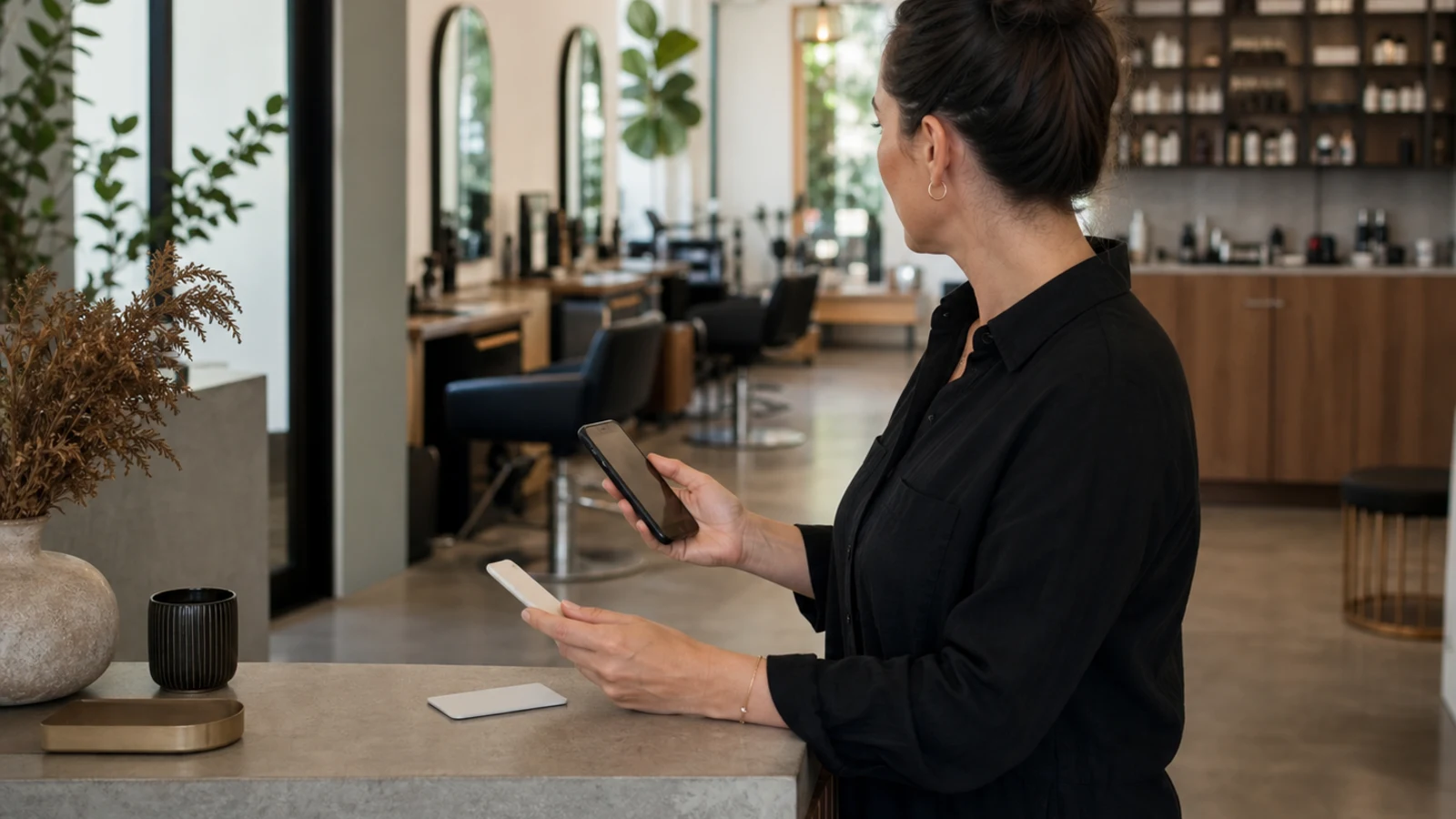
Illustrative editorial image; route markers do not represent real providers or Google controls.
Ownership and correction map
Which booking link is this - and what should the owner do?
The table uses Google policy and API concepts, but it does not claim that the current owner interface exposes every technical field by name.
| Link situation | Valid appointment destination? | Likely control | Preference decision | Correction or removal route | Evidence to retain | Public retest |
|---|---|---|---|---|---|---|
| Merchant-owned, location-specific booking page | Yes, if it represents this salon and lets the customer proceed toward an appointment. | Merchant-controlled when added by the business. | Prefer it when it is the salon’s intended primary journey and other links are also valid. | Edit the merchant link in the current owner controls when available. | Final URL, location shown, mobile journey, and owner approval. | Open from the public profile and complete a non-submitted test through service and time selection. |
| Booking provider or Reserve with Google link | Potentially, if it reaches the correct salon and supports appointment completion. | Provider or aggregator-controlled; direct owner editability may differ. | Prefer only after confirming the destination and owner intent. | Manage the provider relationship or use the current profile’s provider controls. | Provider name, public URL, correct location, and contract or account context. | Check the public route, provider branding, location, and available appointment path. |
| Automatically supplied third-party link | Only if the destination is accurate, current, and authorized. | Third-party provider-controlled. | Do not prefer it merely because it appeared automatically. | Use Google’s provider-removal route when the link is wrong or no longer wanted. | Public URL, provider identity, screenshots, request date, and response. | Retest after the provider processes the request; do not assume immediate removal. |
| General salon homepage | Usually no when it does not directly support appointment completion for the location. | Merchant-controlled. | Do not prefer a generic homepage over a valid location-specific booking destination. | Replace it with a dedicated booking page for the correct location. | Current homepage path and the intended location-specific destination. | Confirm the replacement opens the right location and reaches scheduling. |
| Correct provider, wrong salon location | No. Google requires a location-specific destination for multi-location businesses. | Merchant or provider, depending on who supplied the URL. | Never prefer the wrong-location link. | Correct the merchant URL or ask the provider to map the right location. | Wrong branch shown, correct branch identifier, and provider correspondence. | Verify the public link lands on the intended branch without requiring a new location search. |
| Social, messaging, app-store, or shortened link | No under Google’s current business-link policy. | Usually merchant-controlled, though a provider may create redirects. | Do not prefer it. | Replace it with a direct, dedicated appointment destination. | Original destination and the compliant replacement. | Confirm that redirects resolve directly and the final page completes the action. |
| CAPTCHA-, login-, bot-, IP-, or geo-blocked page | Not reliably. Google may remove a link its verification systems cannot access. | Website or provider-controlled. | Do not prefer until accessibility is corrected. | Work with the website host or provider; request review if a compliant link was removed in error. | Response codes, blocked user journey, provider ticket, and corrected result. | Test as a customer and verify that the public destination loads without the blocking condition. |
| Duplicate or same-domain alternative | Potentially valid, but Google may reject duplicate links or another link from the same domain. | Merchant or provider. | Prefer the one intended valid destination; do not create duplicates to gain visibility. | Remove or replace the redundant path in the current owner or provider workflow. | Both URLs, final redirects, domain, action type, and intended canonical destination. | Confirm only the intended path remains available publicly. |
| Stale provider link the owner cannot edit | No if it is broken, outdated, or points to a former provider. | Provider-controlled and potentially non-editable by the owner. | Do not prefer it. | Submit the provider-removal request and escalate through Google’s stated route if unprocessed. | Provider name, stale URL, screenshots, removal request, and dates. | Check the public profile after processing and retain evidence until the stale link is gone. |
| Multiple valid booking links | Yes, when each destination is compliant and genuinely useful. | May include merchant and provider links. | Select the owner’s intended primary destination as preferred; preferred does not mean exclusive. | Keep only purposeful links and correct or remove confusing alternatives. | Each link’s owner, location, journey, and business reason. | Test every visible option, not only the preferred link. |
Swipe horizontally on a small screen. The link-situation column stays visible while you compare control and correction paths.
Before and after every change
The booking journey field test
Run this test on the actual destination before adding or preferring it, and again after Google approves and displays the link. Do not submit a real appointment unless the salon intentionally wants to create one.
Test 01
Identity and location
The first meaningful page identifies the correct salon and location. A customer should not have to use a location finder, guess between branches, or recognize an internal provider code.
Sources:Google Business Profile Help
Test 02
Appointment action
The flow supports an appointment action rather than merely displaying contact information. It should move toward service, provider, date, or time selection as appropriate for that booking system.
Sources:Google Business Profile Help
Test 03
Mobile completion
The page loads and remains usable on a phone without clipped controls, forced desktop navigation, or a redirect to the wrong app or location.
Test 04
Direct destination
The submitted URL is not a social profile, message link, app-store page, shortener, generic homepage, or marketplace search that makes the customer find the salon again.
Sources:Google Business Profile Help
Test 05
Crawler accessibility
The destination returns a successful response, fully loads necessary resources, and does not block Google’s BusinessLinkVerification crawler with a CAPTCHA, login, rate limit, IP rule, user-agent rule, cloaking, or geoblock.
Sources:Google Business Profile Help
Test 06
Ownership and editability
The owner knows whether the link was supplied by the salon or a provider and does not assume direct edit control over a provider-managed destination.
Test 07
Preference
When several valid links exist, the owner has deliberately identified the intended preferred destination rather than leaving a stale or less direct route as the apparent default.
Test 08
Public confirmation
The owner tests every link that customers can actually see in Search or Maps. A link present in owner controls, a provider account, or a website is not proof of the final public journey.
Sources:Google Business Profile HelpGoogle Business Profile Help
Setup and troubleshooting
Six operating decisions after the truth test
Add the link without guessing at a universal owner interface
Google’s help describes adding an owner link through the Business Profile. Because the current U.S. interface was not independently observed for this edition, use the authenticated controls available for that location and add only a destination that has passed the truth test. Do not publish unverified click labels as universal steps.
Sources:Google Business Profile Help
If no booking control appears, do not force the website field, service description, or post text to imitate one. Confirm verification and current eligibility. Google’s metadata API can query action types by location or region, but Xebora does not call that endpoint and cannot certify eligibility.
Treat the destination as part of the profile’s business identity
The booking destination identifies which business and location receives the appointment. Google requires a dedicated business page and a location-specific destination for multi-location businesses. The page must also let the customer proceed toward the appointment rather than search for the salon again.
Sources:Google Business Profile Help
Do not confuse Services with the booking destination. Services describes appointments; the booking link carries the customer into live scheduling. Updating one does not prove that the other exists, is synchronized, or reflects the same menu.
Sources:Google Business Profile Help
Use the provider-removal route for provider-controlled links
A third-party link can be legitimate even when the owner did not add it manually. Google says authorized providers may supply and update links automatically. Confirm the provider relationship, destination, and location before requesting removal.
Sources:Google Business Profile Help
For a stale, wrong, or unwanted provider link, use the current profile’s Remove Provider route and retain evidence. Google says providers should process the request within five days and offers a violation-reporting route if they do not. Afterward, retest the public profile separately.
Sources:Google Business Profile Help
Prefer the best valid journey, not merely the salon-owned domain
The best preferred link is the valid route the salon intends customers to use: correct location, direct appointment completion, reliable mobile behavior, and clear operational ownership. A merchant domain is not automatically better than a provider route.
Google permits one preferred link per action type. Changing preference identifies the owner’s choice but does not promise exclusive display. Test every public option because customers may still encounter other merchant or provider links.
A customer-visible page can still fail Google’s link verification
Google may remove links its verification systems cannot access or fully load. Its policy requires a successful response, necessary resources, no geoblocking, and access for the BusinessLinkVerification crawler without CAPTCHA, login, rate-limit, IP, user-agent, or cloaking barriers.
Sources:Google Business Profile Help
Broken redirects, server errors, and failed JavaScript or styles can also block validation. Work with the host or provider rather than repeatedly resubmitting the same URL. Google offers a review route when a compliant link was denied or removed in error.
Sources:Google Business Profile Help
Verify the journey without inventing ranking or booking attribution
Google says performance data is not available for custom links. Provider reporting may use its own attribution rules, so do not assume every recorded appointment came from the Business Profile.
Sources:Google Business Profile Help
A booking link is an action path, not a guaranteed ranking lever. Google says local results are mainly based on relevance, distance, and popularity. Do not promise that adding or preferring a link will improve placement, bookings, conversion rate, or revenue.
Sources:Google Business Profile Help
Product scope
Xebora does not manage Google booking links
Xebora’s connector does not call the Place Actions API and does not retrieve appointment links, provider type, editability, preferred status, or the available place-action types for a profile. It cannot use its current connected-profile data to validate the booking-link decisions in this guide.
Xebora may use a booking destination that the owner supplies as business context in approved post copy. That does not mean Xebora adds, validates, prefers, removes, monitors, or repairs the booking link on Google.
The public Xebora checker sees a public website field and is not a booking-link checker. Booking-link changes remain owner-managed in Google or with the relevant booking provider.
Questions salon owners ask
Three booking-link questions
Why is my salon booking link not showing on Google?
Possible reasons include profile or regional ineligibility, an unverified profile, an edit that has not been approved, an invalid or duplicate URL, a destination that is not location-specific, or a page that Google cannot crawl or validate. Confirm the current controls in the authenticated profile, test the destination against Google’s business-link policy, and do not assume that a saved URL must appear in every Search or Maps surface.
Sources:Google Business Profile HelpGoogle Business Profile Help
Can I remove a third-party booking link from my salon’s Google Business Profile?
Google documents a Remove Provider route for specific third-party booking links. The provider, not necessarily the merchant, may control the link. Google says providers should process the removal request within five days and offers a violation-reporting route if they do not. Keep evidence and retest the public profile rather than assuming immediate removal.
Sources:Google Business Profile Help
Will adding a booking link improve my salon’s Google Maps ranking?
No ranking result can be promised. A valid link can give customers a direct appointment path, but Google’s local results are mainly based on relevance, distance, and popularity. Google also says custom-link booking performance data is not available, so do not infer rankings, bookings, or revenue from the presence of the link alone.
Sources:Google Business Profile HelpGoogle Business Profile Help
Source notes
Official sources and unresolved limits
Google’s help pages support verified-profile eligibility, dedicated location pages, direct action completion, preferred links, provider removal, crawlability, and prohibited destination types.
The Place Actions API supports merchant-versus-aggregator provider types, editability, preference, appointment actions, and location- or region-based action metadata. Xebora does not call these endpoints.
Google’s current help pages conflict on maximum link counts, so this guide publishes no number. The framework and field test are Xebora editorial recommendations and carry no approval, ranking, booking, or revenue guarantee.
- 01Manage your local business linksGoogle Business Profile Help
- 02Business links policies & guidelinesGoogle Business Profile Help
- 03Set up bookings through a providerGoogle Business Profile Help
- 04Place Actions API: locations.placeActionLinksGoogle for Developers
- 05Place Actions API: placeActionTypeMetadata.listGoogle for Developers
- 06Tips to improve your local ranking on GoogleGoogle Business Profile Help
Keep booking-link ownership with the salon
Use Xebora for verified profile-care work, not link controls it cannot see
Use this guide to audit the owner-managed booking journey. Xebora does not retrieve or manage Google appointment links, preferred status, provider ownership, or provider-removal requests.
Xebora’s verified profile-care scope covers visible-detail checks, posts, Google review replies, owner prompts, and weekly work records. An owner-supplied booking destination can be used in approved content without becoming a Google booking-link management feature.
No Xebora plan promises link approval, public display, ranking, bookings, conversion rate, or revenue.
Related reading